
 Browser extension for Chrome & EdgeFree plan available
WPPME — Number Checker for WhatsApp
Free WhatsApp phone number checker, validator, and lookup tool to verify if numbers are active and valid.
On the Chrome Web Store as “WA Filter & Number Checker”.
Features
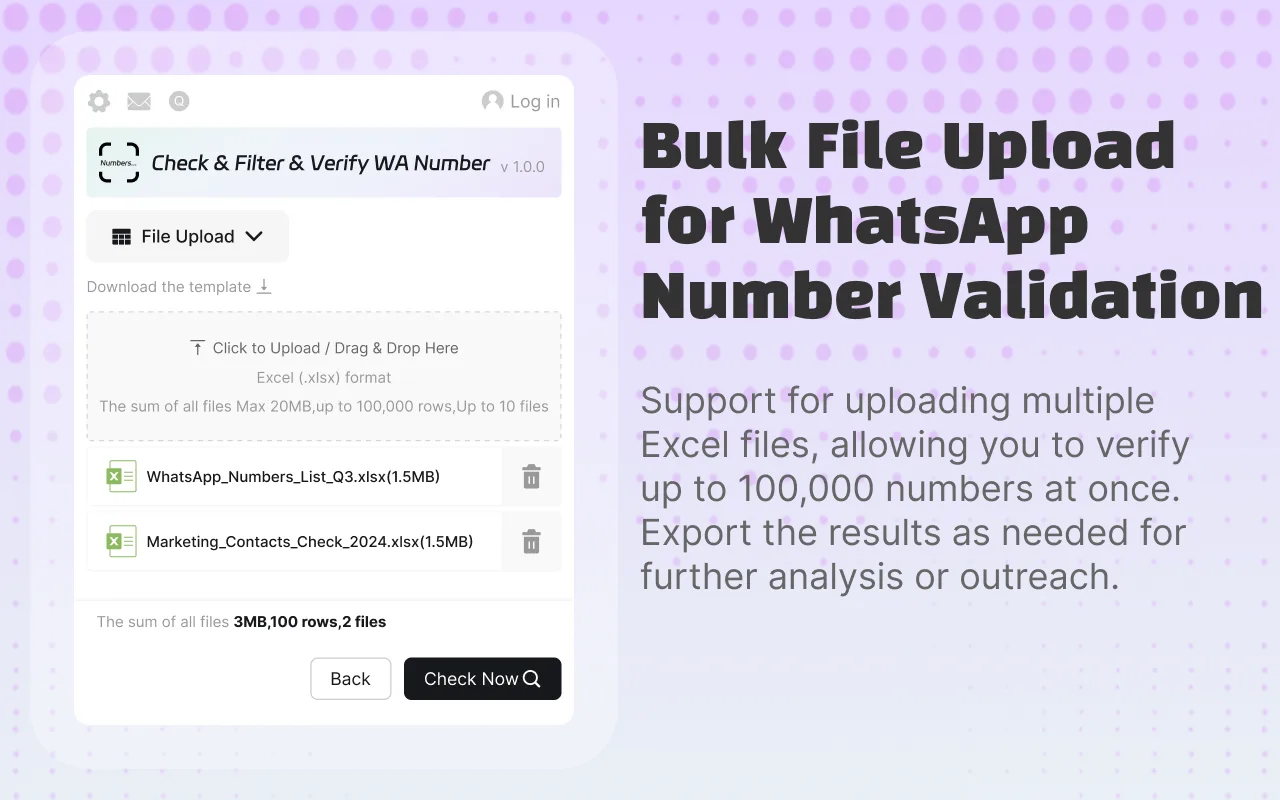
Check numbers in bulk
Paste a list or upload an Excel file and check many numbers in one run.
Find active WhatsApp numbers
See which numbers have a WhatsApp account and which do not.
Export the results
Download verified numbers to a spreadsheet for your CRM or next campaign.
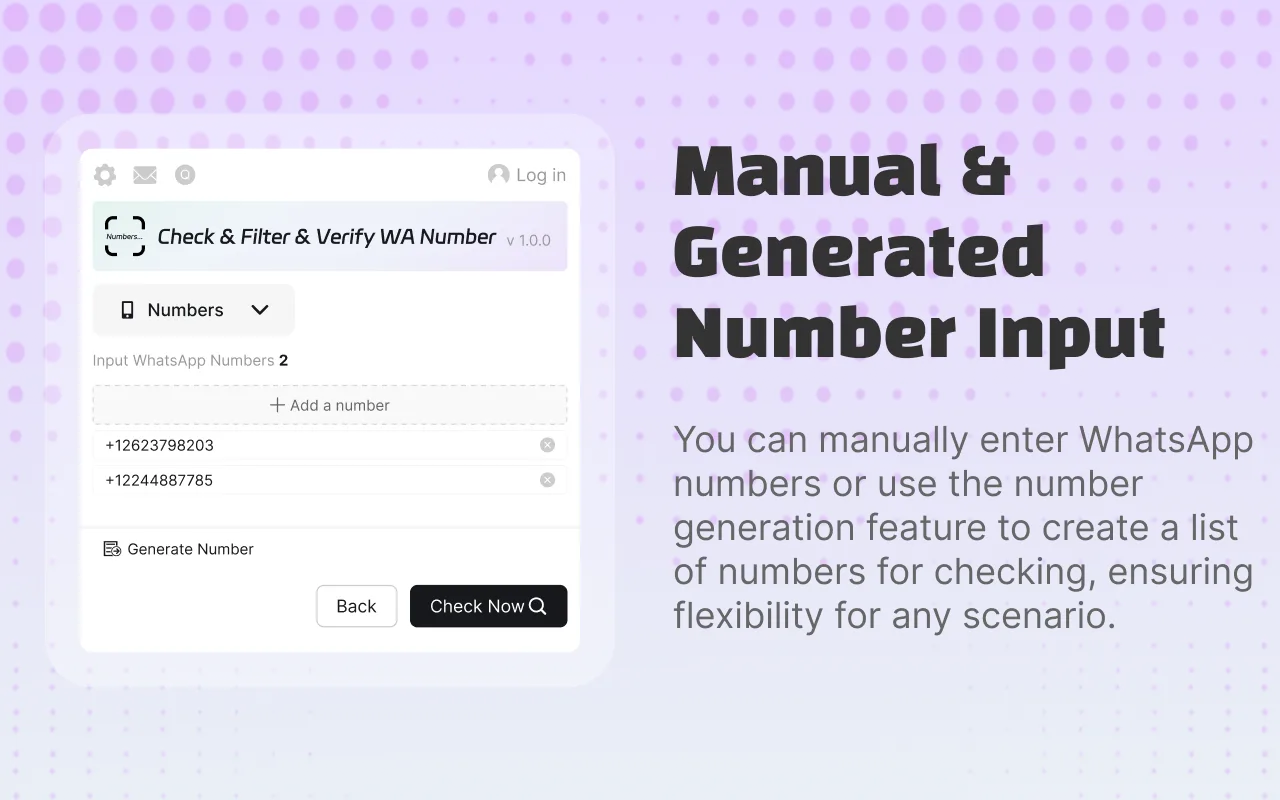
Phone number generator
Use the built-in generator to create number lists to check.
Stays on your device
Checking runs in your browser; your number lists are not sent to our servers.
How to check if a number is on WhatsApp
- 1
Open WhatsApp Web
Log in at web.whatsapp.com and click the extension icon.
- 2
Add numbers
Paste numbers or upload an Excel file.
- 3
Check and export
Start the check and export the verified numbers.
Screenshots
Frequently asked questions
How do I check if a number is on WhatsApp?
Add the number (or a whole list) to Number Checker in WhatsApp Web and start the check. Each number is marked as having WhatsApp or not.
Can it find a person's name or profile?
No. It only tells you whether a phone number has a WhatsApp account. It does not look up names or private details.
Can I upload numbers from Excel?
Yes. Upload numbers from an Excel file, then export the verified results to a spreadsheet.
Does it work on my phone?
No. It is an extension for WhatsApp Web in Chrome and Edge on a computer.
Ready to try it?
Add the extension to your browser, open WhatsApp Web and start in under a minute.
More WPPME Tools for WhatsApp Web

WPPME — Contact Saver for WhatsApp
Download WhatsApp group phone numbers and extract, save, and export WhatsApp contacts from chats and labeled contacts to files.

WPPME — Bulk Message Sender for WhatsApp
Bulk send WhatsApp messages via Excel numbers, without saving numbers. Personalize messages and send attachments.

WPPME — Chat Translator for WhatsApp
Translate WhatsApp chats and messages to connect with anyone in English, Portuguese, French, Arabic, and 100+ other languages.

WPPME — Voice-to-Text for WhatsApp
Transcribe WhatsApp voice messages to text easily – save time with fast, accurate, and automatic transcription.

WPPME — Incognito for WhatsApp
Turn off WhatsApp read receipts, disable blue ticks, recover deleted messages, save statuses, hide typing, and hide online presence with WAIncognito.

WPPME — Chat Lock for WhatsApp
Lock WhatsApp Web with a password and blur chats, names, or media to protect your privacy when using WhatsApp on your browser.

WPPME — Chat Backup & Export for WhatsApp
Backup and export WhatsApp chat history and media to HTML, JSON, or Excel, perfect for easy access, storage, or data recovery.

WPPME — Group Auto Joiner for WhatsApp
Gather WhatsApp group links, auto-join, save contacts, bulk message, and exit groups.

WPPME — Media Downloader for WhatsApp
Batch download images, videos, voice messages, audio, stickers and documents from WhatsApp Web chats with one click.